
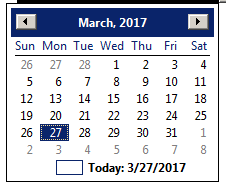
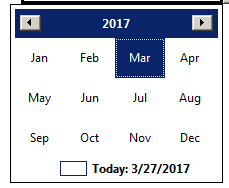
How To Scroll Years In The New Adobe Date Picker Feature
Of all our YouTube videos, the most popular by far is How To Insert A Popup Calendar/Date Picker Into A PDF Form, PDF Popup Calender and PDF Date Picker are also the most common search terms that point to our site. So it makes perfect sense that our Popup Calendar Tool is our biggest seller.
We created the best PDF popup calendar on the market just over a year ago. Well, Adobe has finally added popup calendar functionality to PDF forms. It is so easy to install. All you have to do is format the field as a date field and the calendar is automatically installed. There is one caveat though: It will only work for end users who are running a DC version of an Adobe PDF viewer. That is, Acrobat Pro DC, Acrobat Standard DC, or Acrobat Reader DC. If you are form creator and you don't know 100% that all of your end users have an updated "DC" PDF viewer, then the calendar is not going to work for all of them. Our calendar, on the other hand, will work with most versions of Acrobat and Reader, since it runs by a custom dialog. This functionality was introduced many, many versions ago.
Starting Today were are reducing the popup calendar tool by 50%.