
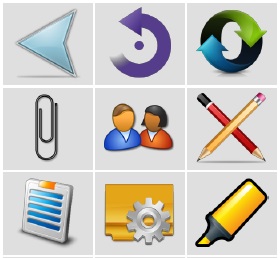
CREATE CUSTOM TOOLBAR BUTTONS WITH ICONS FOR ACROBAT AND READER
You can save time in Acrobat or Reader by automating repetitive tasks by creating javascript functions, then executing those functions from custom menu items or toolbar buttons with one mouse click.
Once you build your function you can add a couple of lines of code to your script that will insert a menu item or toolbar button into Acrobat or Reader.
The script to add menu items and toolbar buttons is pretty straightforward. Adding an icon, however, is more complex. The icon image must be converted to a stream with precise dimensions in order to display properly on the 'add ons' or 'quick tools' toolbars. We have developed an automation tool pre-loaded with 140 icons that allows you to build a script for a custom toolbar button with an icon in under a minute.
Before purchasing this item, consider a PREMIUM MEMBERSHIP instead and get one year of complete access to every area of this site and most items in this online store (excludes custom orders).